Archive for the Tag 'collaboration'

Pixar: Space as an Instrument for Collaboration

Point: Design physical spaces for unplanned collaborations that spark creativity.

Story: One place to look for advice on designing physical spaces for creativity and collaboration is Stanford’s design school, the birthplace of design thinking as we know it today. (The term dates back to Herbert Simon’s 1969 book, The Sciences of the Artificial and was further explained by Robert McKim’s book, Experiences in Visual Thinking, but it was Stanford’s Rolf Faste and David Kelley who popularized the term and applied it to business.)

Now, Scott Doorley and Scott Witthoft, co-directors of the Environments Collaborative at the d.school, have written a book, Make Space: How to Set the Stage for Creative Collaboration that’s full of advice and case studies of these creative spaces.

David Kelley, founder of IDEO and of the d.school, writes in the book’s forward: “Regardless of whether it’s a classroom or the offices of a billion-dollar company, space is something to think of as an instrument for innovation and collaboration. Space is a valuable tool that can help you create deep and meaningful collaborations in your work and life.”

Example: Pixar
A real-life example of a physical space that encourages creative collaboration is the building that houses Pixar, the computer animation studio that created innovative, Academy-award-winning blockbuster films like Toy Story, Monsters and Finding Nemo.

As Walter Isaacson writes in his biography of Steve Jobs, Jobs designed the Pixar building to promote encounters and unplanned collaborations. “If a building doesn’t encourage that, you’ll lose a lot of innovation and magic that’s sparked by serendipity,” Jobs said. “So we designed the building to make people get out of their offices and mingle in the central atrium with people they might not otherwise see.”  The front doors and main stairs and corridors all lead to a central atrium, where a cafe and employee mailboxes are located as well.

John Lasseter, Chief Creative Officer at Pixar, confirmed the success of the building’s layout: “Steve’s theory worked from day one. I kept running into people I hadn’t seen for months. I’ve never seen a building that promoted collaboration and creativity as well as this one.”

Action

  • Create open spaces and natural gathering places that draw people out of their offices and into the collaborative social space.
  • Organize entrances, stairways, and passage ways to intersect in ways that encourage random encounters and mingling (help people congregate rather than segregate).
  • Offer movable walls, whiteboards on wheels, lightweight movable furniture (put things on casters), and other flexible objects to encourage reconfiguration and organic development of the work environment.

3 Comments »Case study, CEO, Creativity, How-to, Innovation

Innovating with Osterwalder’s Business Model Canvas #BIF8

Point: Create new business models using a visual, collaborative tool like Alex Osterwalder’s Business Model Canvas.
Story:  Business models are complex, which makes them hard to talk about. A business has many interrelated moving pieces.  It’s easy for you and your team to miss something when creating one. And with so much complexity and so many possibilities, it’s easy misunderstand each other when we try to invent new business models.
Luckily, there’s a solution. Alex Osterwalder’s Business Model Canvas is a visual tool that helps structure our thinking about business models.

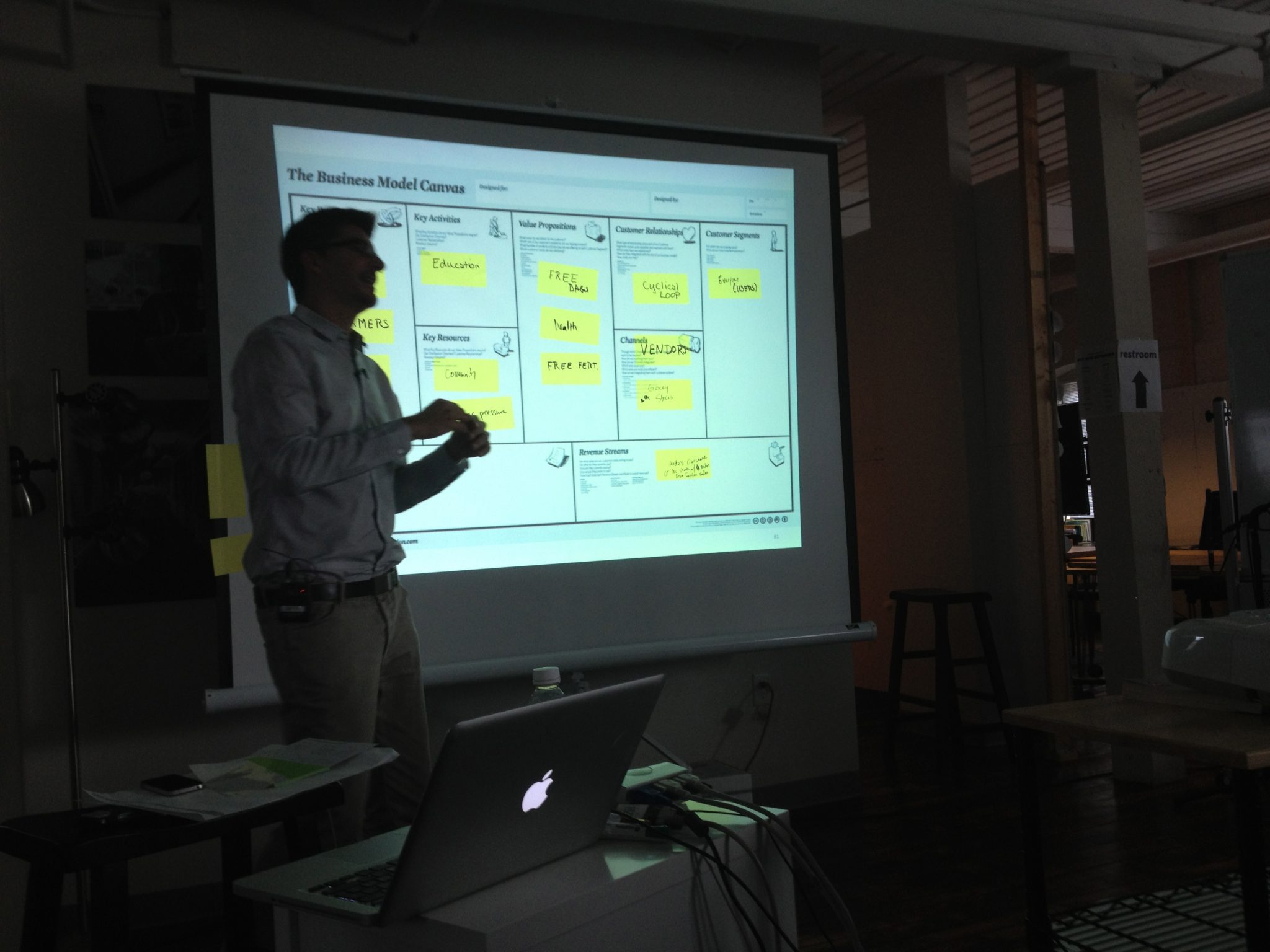
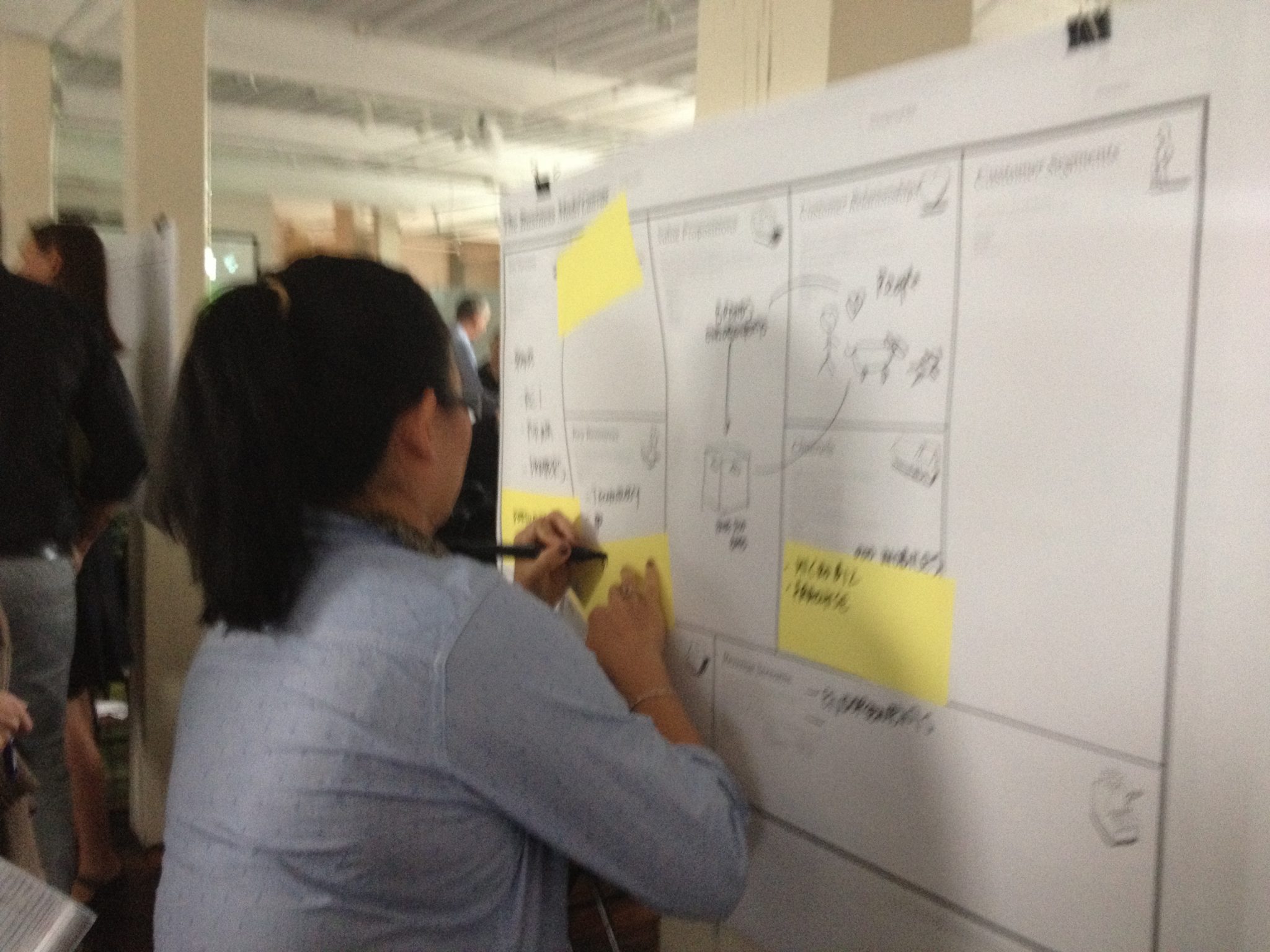
At Osterwalder’s Business Model workshop at BIF8 last week, I saw the power of his Business Model Canvas firsthand.  Osterwalder outlined the Canvas method and gave the group the assignment to generate a business model for a specific startup.  Small groups clustered around their canvas and the room buzzed with discussion and the squeak of markers as participants took turns sketching out ideas.  As we worked, I was struck by three key features of Osterwalder’s approach.

The first key feature was that Osterwalder encouraged sketching, not just making lists of words. “Any problem can be made clearer with a picture,” he said. The visual artifact lets people react to something concrete.  To encourage people who think they can’t draw, Osterwalder pointed out that people can interpret a stick figure more easily than an abstract concept. “Drawing something, however badly, makes an abstract concept concrete, giving people an opportunity to react to it,” Osterwalder said. Visual thinking helps with understanding, dialogue, exploration and communication.

The second key feature was that Alex had us make our sketches and notes on Post-It® notes.  We then stuck these to the Canvas.  The key part was that then we could move the notes around as we figured out where on the canvas they belonged. “Post-It® notes are like containers of ideas,” Osterwalder said, that can be easily picked up and moved around.  Thus, we could reconfigure our ideas as we refined them.

The third key feature was that the Canvas with its Post-It® notes ensures you don’t miss an important area. Because business models are so complex, with many interlocking pieces, it’s hard to hold all the pieces in memory and see their interactions and dependencies. The Canvas helps everyone see all the pieces and confirm that they work together and make sense. People can use different colors of Post-It notes for different business models, which lets them compare alternate models on the same Canvas. This side-by-side comparison can help to then pick the most promising model to test.

Action:

  • If you’re working in a group, print the Canvas in large format (we used 3′ x 4′ at the workshop).
  • Most people start on the righthand side of the Canvas, which is the customer side of your business model. It has the “Customer Segments,” “Channels,” and “Customer Relationships” areas. The lefthand side defines the infrastructure of the business with “Key Activities,” “Key Resources,” and “Partner Networks.” A central “Value Proposition” sits between the infrastructure areas that deliver on the proposition and the customer areas that receive the value. Finally, the “Cost Structure” and “Revenue Streams” areas on the bottom sit respectively under the infrastructure and customer sides of the canvas to define the financial side of the model.
  • Play with different kinds of models. For example, Nestlé (in its Nespresso business) tested a model in which Nestlé sold its espresso machine through retail but sold the individual “pods” of coffee directly to consumers. Going direct was new to Nestlé but proved to be very lucrative because Nestle didn’t have to share revenue with the retailer.
  • Keep interdependencies in mind. Every revenue stream, for example, must have a customer segment with an accompanying value proposition that makes it clear why they would pay.  And every activity, resource, or partner might incur costs.

Sources:
Alex Osterwalder’s bestselling Business Model Generation book is a must!

Alex Osterwalder’s Business Model workshop at BIF8.  See his calendar of upcoming speeches and workshops.
Alex Osterwalder’s slides on SlideShare, such as

2 Comments »How-to, Innovation, Software tool, Strategy

Arduino: A Tale of Innovation through Open Source

Point: A collectively-motivated group of peers can develop innovations in a distributed online environment.

Story: When Hernando Barragán created a nontechie-friendly microcontroller board for artists, designers, and architects in 2004, his thesis adviser, Massimo Banzi, liked the idea.  But Banzi wanted something simpler and cheaper for use in design class projects at the Interaction Design Institute Ivrea in Italy.  In particular, Banzi wanted a low cost, an integrated software environment, programmability via an everyday USB port, and a project supported by a community.

So Massimo Banzi, David Cuartielles, Dave Mellis, Gianluca Martino and Nicholas Zambetti created Arduino, an easy-make, easy-to-use circuit board about the size of a business card.  Anyone can use the device to create all manner of computer-controlled devices such as prototypes of products, pieces of art, or just fun hobbyist contraptions.  The team’s device was about 1/3 the price of the predecessor device and 1/3 the price of commercial products.  Best if all, the group released Arduino under Creative Commons Attribution-ShareAlike licensing, which means anyone can copy the Arduino and make the circuit board without payment or permission from the Arduino group.

The Arduino project uses open source methods to develop its hardware and software. Open source is a type of connected innovation based on the collective contribution of peer innovators to a project or product.  Open source allows free access to the internal design specification of the product such that anyone in the world can modify the design to correct a problem, improve performance, or add a new feature.  With this openness comes a cultural norm that if someone does improve the design, then they should share that improvement with the community for inclusion in the public version of the design.  Through this open process, Arduino now has 12 different models and 5 supplementary function boards.

Arduino, like other open source projects, relies heavily on connective technologies to coordinate its loose global team of project participants.  Email lists, online wikis, discussion forums, and content management systems help the project participants maintain the core product as well as developing new ideas that later become incorporated in the main products.  Arduino uses Google Code to host the project to provide a central connection point for anyone who wants the software.  People can report defects or suggest enhancements. Google’s tools help the project participants track the status, priority, and milestones of the idea.  Other tools aid collaborative problem solving.  The main Arduino discussion forum has nearly 70 thousand members and over 700 thousand posts on some 90 thousand topics.

Action:

  • Determine if there’s some technology that you (and others) need more access or control over than is permitted by commercial suppliers with proprietary products
  • Start an open source project to create and share the technology
  • Use connection technologies to link to distant contributors and coordinate activities
  • Pool innovation from across the technical and user community

2 Comments »Case study, How-to, Innovation, open innovation

Next »